
Restic
Back up local data to RustFS with Restic and restore snapshots from an S3-compatible repository.
Restic is a command-line backup tool that stores snapshots in a repository. This guide shows how to point Restic at RustFS, back up a local directory, restore a snapshot, and verify the stored objects in RustFS.
You need a running RustFS instance, a bucket such as my-bucket, Restic installed, access keys for the bucket, and a password for the Restic repository.
Path-style access
Restic's S3 backend should use path-style access for RustFS. This guide sets -o s3.bucket-lookup=path and uses the bucket name in the repository URL.
Architecture
Restic writes repository metadata and backup snapshots into RustFS through the S3 API. The repository prefix in this guide is restic, and the bucket is my-bucket.
Prepare the bucket
Open the RustFS Console at http://localhost:9001 and create my-bucket, or choose an existing bucket that is dedicated to backups.
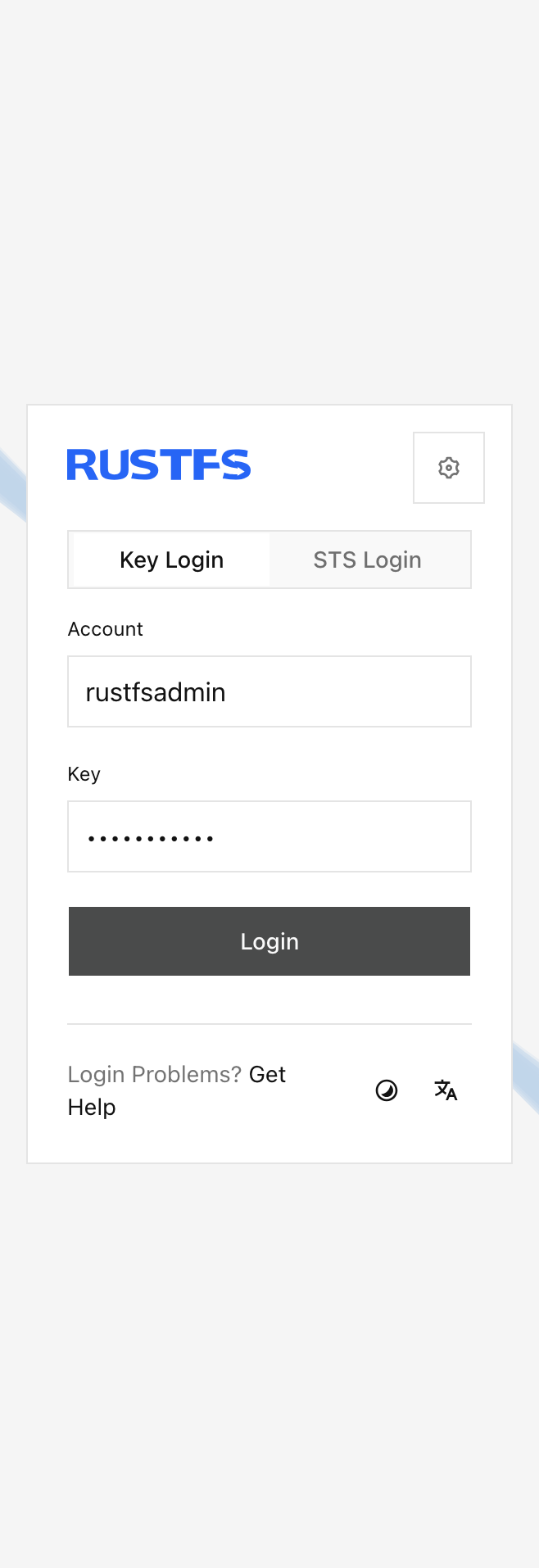
Use a dedicated bucket for each backup job. The example screenshot shows the Console in English and light theme.
Initialize the Restic repository
Set the credentials, region, repository password, and repository location:
export AWS_ACCESS_KEY_ID=<your-access-key>
export AWS_SECRET_ACCESS_KEY=<your-secret-key>
export AWS_DEFAULT_REGION=us-east-1
export RESTIC_PASSWORD=<your-restic-password>
export RESTIC_REPOSITORY=s3:http://localhost:9000/my-bucket/restic
Run restic init with path-style bucket lookup:
restic -o s3.bucket-lookup=path initThe repository password protects the snapshot data. Keep it separate from the RustFS access keys.
Back up data
Create a small test directory and back it up:
mkdir -p ~/Documents/restic-demo
printf 'hello from RustFS\n' > ~/Documents/restic-demo/hello.txt
restic -o s3.bucket-lookup=path backup ~/Documents/restic-demo
Restic prints a snapshot ID after the backup completes. Run the command again after changing a file to create a second snapshot.
Restore a snapshot
Restore the latest snapshot to a separate directory:
mkdir -p ~/Documents/restic-restore
restic -o s3.bucket-lookup=path restore latest --target ~/Documents/restic-restore
You can also restore a specific snapshot ID if you want to recover an earlier version.
Verify the repository in RustFS
Open my-bucket in the RustFS Console and confirm that Restic created repository objects under the restic/ prefix.
You can also run a repository check:
restic -o s3.bucket-lookup=path checkNext steps
- CLI Client (rc) to create buckets and inspect objects from the command line.
- TLS Configuration if you expose RustFS outside a trusted network.